 OKRunit
SSO / SAML Setup
SAML Single Sign-On lets your team members sign in to OKRunit using your company's identity provider (IdP). SSO is available on Business and Enterprise plans.
Supported Providers
OKRunit works with any SAML 2.0 identity provider, including Okta, Azure AD (Entra ID), Google Workspace, OneLogin, JumpCloud, PingOne, and Auth0.
Quick Setup (5 minutes)
The fastest way to configure SSO is to import your IdP's metadata URL. This auto-fills all the technical details for you.
- 1Create a SAML app in your IdP.
In your identity provider's admin console, create a new SAML 2.0 application. You'll need to provide these values from OKRunit (found at the bottom of the SSO settings page):
ACS URL (Assertion Consumer Service)https://your-domain.com/api/auth/saml/callback
Entity ID / Audience URIhttps://your-domain.com/api/auth/saml/metadata
Name ID FormatEmail Address
- 2Copy your IdP's metadata URL.
After creating the SAML app, your IdP will provide a metadata URL. This is usually found in the app's "Sign On" or "SAML Settings" section. It looks something like:
https://your-idp.okta.com/app/abc123/sso/saml/metadata - 3Import it in OKRunit.
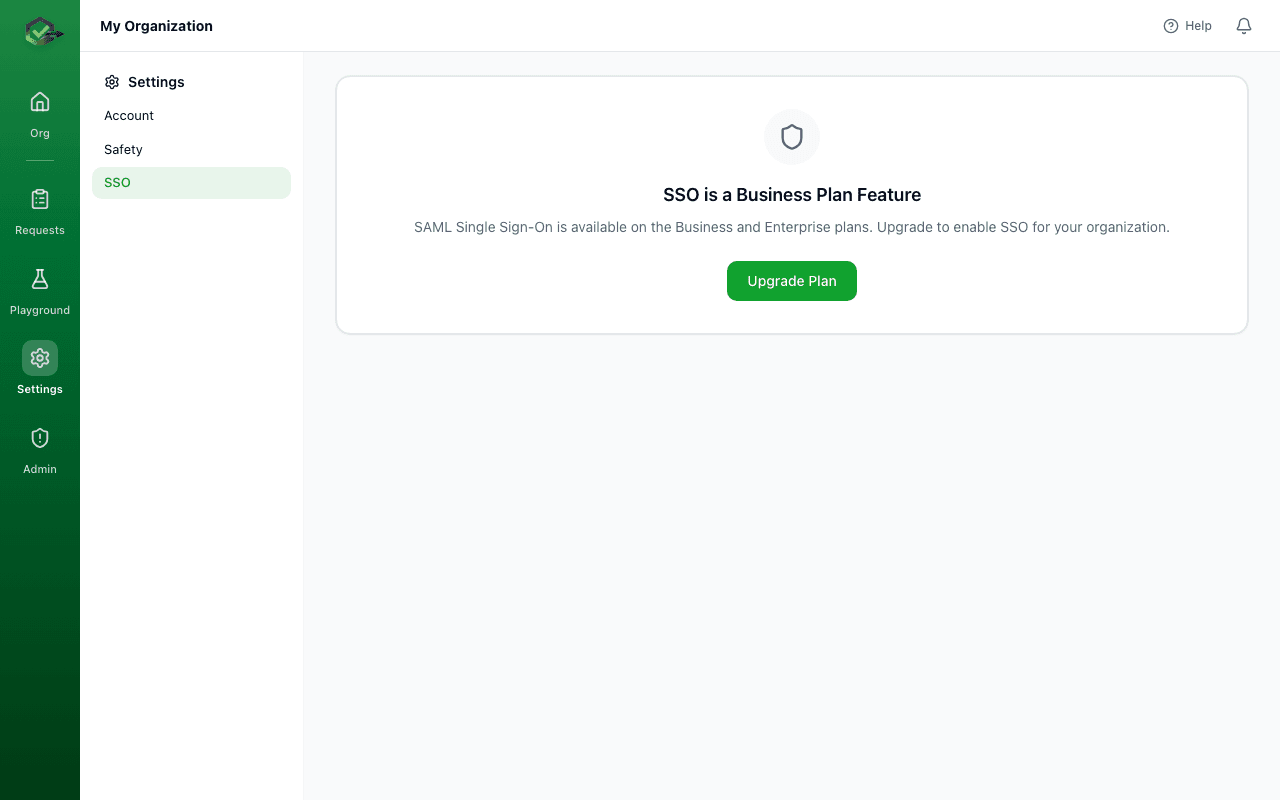
Go to Settings → SSO, paste the metadata URL into the "Quick Setup" box, and click Import. This auto-fills the Entity ID, SSO URL, and certificate.
- 4Enter your email domain.
Type your company's email domain (e.g.
acme.com). Users with that email domain will be able to sign in with SSO. - 5Enable and save.
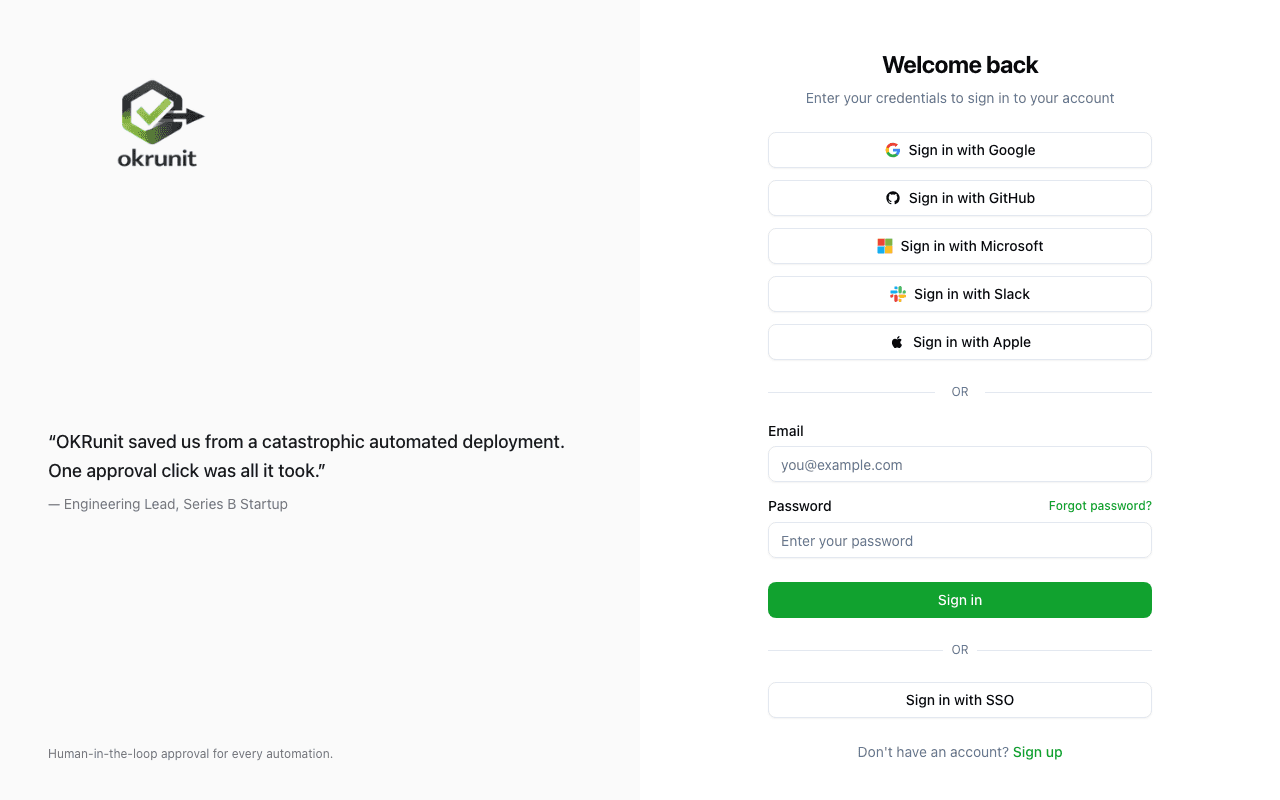
Toggle "Enable SSO" on and click Save Configuration. Your team can now sign in by clicking "Sign in with SSO" on the login page.
Provider-Specific Guides
Okta
- In Okta Admin, go to Applications → Create App Integration.
- Select SAML 2.0 and click Next.
- Set the Single sign-on URL to your ACS URL and the Audience URI to your Entity ID (shown in OKRunit's SSO settings).
- For Name ID format, select EmailAddress.
- Click Next, then Finish.
- On the app's Sign On tab, find the Metadata URL and paste it into OKRunit's Quick Setup.
- Assign users or groups to the app in Okta.
Azure AD (Microsoft Entra ID)
- In the Azure portal, go to Microsoft Entra ID → Enterprise Applications → New Application.
- Click Create your own application, name it "OKRunit", select "Integrate any other application".
- Go to Single sign-on → SAML.
- In Basic SAML Configuration, set the Identifier (Entity ID) and Reply URL (ACS URL) to the values shown in OKRunit's SSO settings.
- Copy the App Federation Metadata Url from section 3 and paste it into OKRunit's Quick Setup.
- Assign users or groups to the enterprise application.
Google Workspace
- In Google Admin, go to Apps → Web and mobile apps → Add app → Add custom SAML app.
- Name the app "OKRunit" and click Continue.
- On the Google Identity Provider details page, copy the SSO URL and download the Certificate. You can also copy the Metadata URL if shown.
- In Service provider details, set the ACS URL and Entity ID to the values from OKRunit's SSO settings. Set Name ID format to EMAIL.
- If Google provided a metadata URL, paste it into OKRunit's Quick Setup. Otherwise, manually enter the SSO URL and paste the certificate using the "Edit" link.
- Turn the app ON for the organizational units that should have access.
Manual Configuration
If your IdP doesn't provide a metadata URL, click the "Edit" link on the SSO settings page and enter:
| Field | Description |
|---|---|
| Entity ID | Your IdP's unique identifier (also called Issuer URL). Usually looks like a URL. |
| SSO URL | The URL where users are redirected to authenticate. This is your IdP's SAML sign-in endpoint. |
| X.509 Certificate | The public certificate your IdP uses to sign SAML assertions. Paste the full PEM-encoded certificate. |
| Email Domain | Your company's email domain (e.g. acme.com). Users with matching emails can use SSO. |
Attribute Mapping
OKRunit needs a few user attributes from your IdP. The defaults work for most providers, but you can customize them if needed.
| OKRunit Field | Default Attribute | Notes |
|---|---|---|
NameID or email | Required. Set your IdP's Name ID format to Email Address. | |
| First Name | firstName | Optional. Used to set the display name. |
| Last Name | lastName | Optional. Combined with first name for display. |
How Users Sign In with SSO
Once SSO is enabled, your team members sign in like this:
- 1Go to the OKRunit login page and click "Sign in with SSO".
- 2Enter their work email address (e.g. jane@acme.com) and click Continue with SSO.
- 3They're redirected to your company's identity provider to authenticate (password, MFA, etc.).
- 4After authenticating, they're automatically redirected back to OKRunit and signed in. If it's their first time, an account is created automatically and they're added to your organization as a member.
For developers: SSO configuration via API
If you prefer to configure SSO programmatically (e.g. as part of your infrastructure automation), you can use the API:
# Configure SSO for your organization
curl -X PATCH https://okrunit.com/api/v1/org/sso \
  -H "Authorization: Bearer gk_your_api_key" \
  -H "Content-Type: application/json" \
  -d '{
    "saml_metadata_url": "https://your-idp.okta.com/app/.../sso/saml/metadata",
    "email_domain": "acme.com",
    "enabled": true
  }'
Frequently Asked Questions
Can users still sign in with email and password?
Yes. Enabling SSO adds an additional sign-in method but doesn't remove email/password login. Users can choose whichever method they prefer.
What happens when a new user signs in via SSO?
OKRunit automatically creates an account for them and adds them to your organization as a member. Organization admins can then adjust their role if needed.
Can I use SSO with multiple email domains?
Currently each organization supports one email domain for SSO. If you need multiple domains, please contact support.
Which SAML binding does OKRunit use?
OKRunit uses HTTP-Redirect for the AuthnRequest (SP → IdP) and HTTP-POST for the SAML Response (IdP → SP).
What if SSO stops working?
Email/password login is always available as a fallback. If SSO stops working, sign in with email/password and check the SSO settings for expired certificates or changed metadata URLs.